
Why utility tools anchor design systems
One-off CSS hacks accumulate into unmaintainable dashboards. Design tokens, theme files, and reset baselines give data product teams a shared vocabulary — spacing, color roles, and typography scales that survive rebrands.
What utility tools help you do
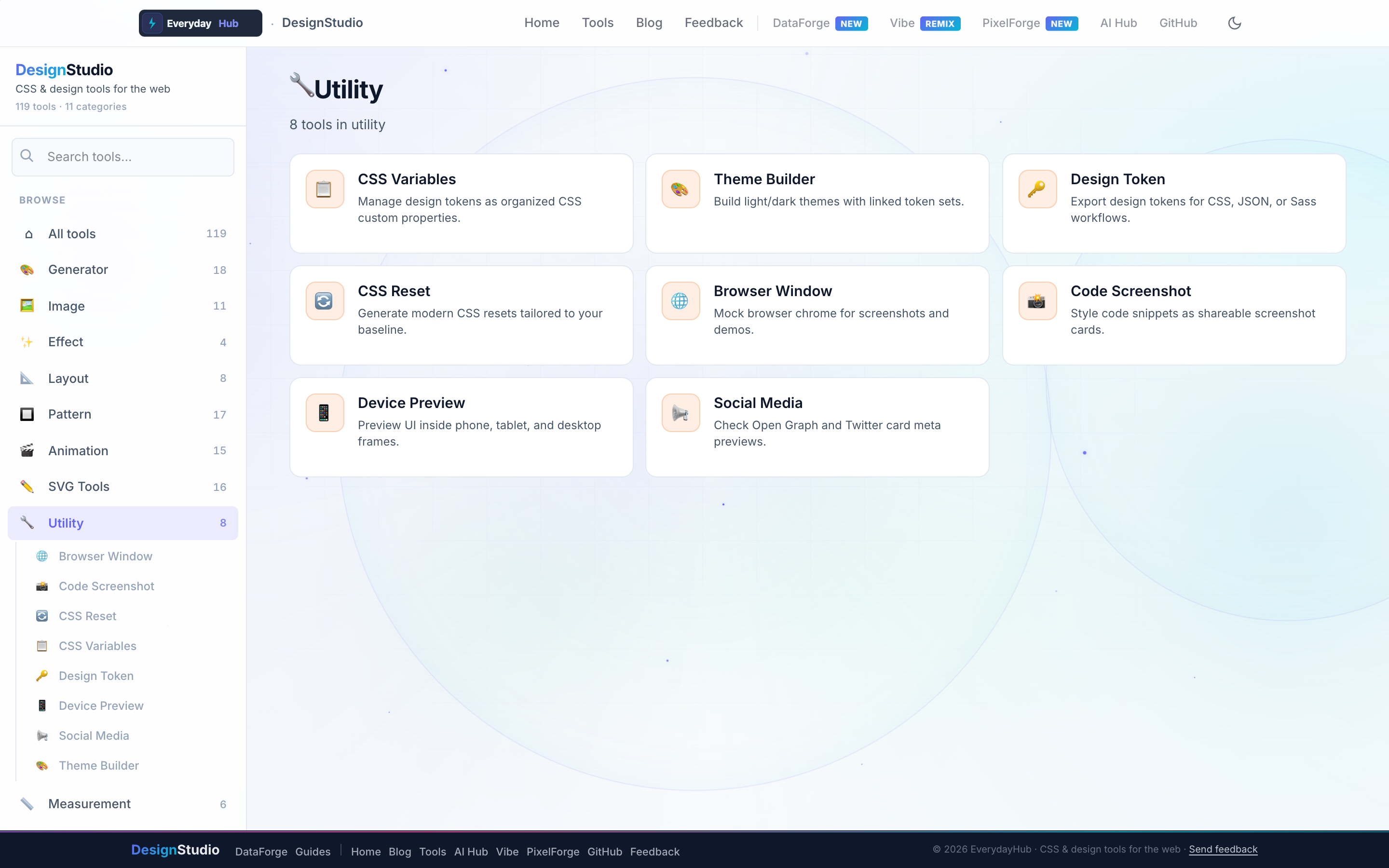
Eight utilities bridge design exploration and engineering handoff.
- Design Token Generator — export JSON, CSS, SCSS
- Theme Builder & CSS Variables Manager
- CSS Reset Generator
- Browser Window, Device Preview, Social Media Preview
- Code Screenshot — polished dev snippets for docs
On-screen workflow
Define token names and values in a table, preview light/dark theme swaps, and export a single JSON file for Style Dictionary or Tailwind config. Device preview frames show how data tables look on phone breakpoints.
Enterprise data & analytics use cases
Publish a token package consumed by both DataForge visualization themes and React dashboard repos. Preview shareable report cards in social preview frames before marketing posts go live. Code Screenshot exports styled SQL or JSON snippets from DataForge for internal wiki pages.
Privacy-first design work
Every DesignStudio tool runs client-side in your browser. Palettes, SVG markup, and exported images never upload to a server — the same privacy model as DataForge. No account, no tracking, no watermarks on exports.
Related guides
Open Utility Tools in DesignStudio
Open DesignStudio from EverydayHub — free, private, and ready in one click.
Open Utility Tools in DesignStudio