
Why layout tools beat guessing in DevTools
Data dashboards, admin tables, and report pages need predictable responsive behavior. Flexbox and Grid syntax is powerful but easy to mistype. Interactive builders show alignment, tracks, and gaps visually — then emit correct CSS.
What layout tools help you do
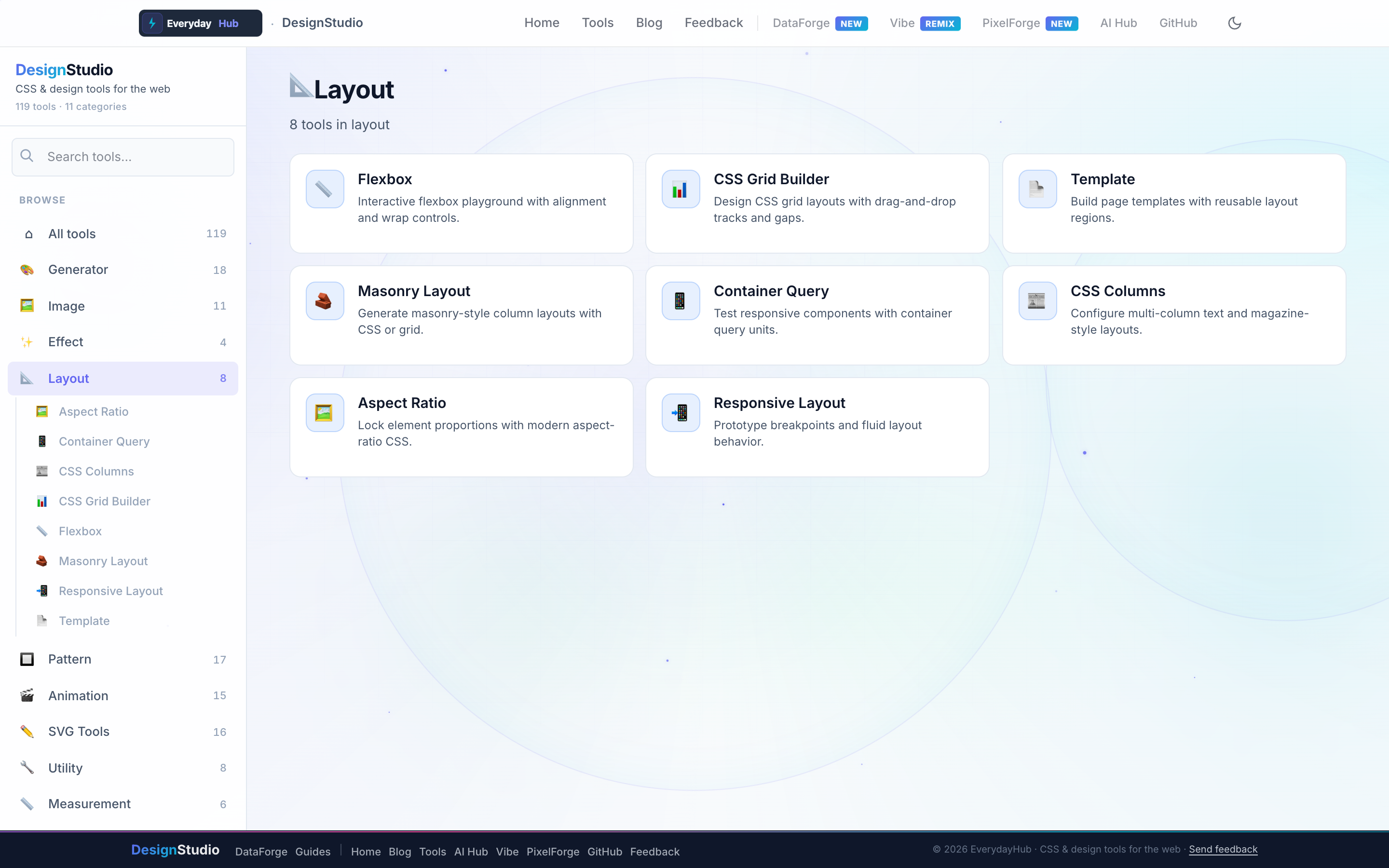
Nine layout utilities cover modern CSS from flex rows to container-query components.
- Flexbox Playground — align, wrap, gap, and order
- CSS Grid Builder — drag tracks, gaps, and named areas
- Container Query Playground — component-level breakpoints
- Responsive Layout Builder — fluid breakpoint prototypes
- Masonry, CSS Columns, Aspect Ratio, Template Builder
On-screen workflow
Drag grid lines, toggle flex alignment icons, or resize container boxes and watch child elements reflow. The generated CSS includes grid-template areas and container-type declarations ready for production.
Enterprise data & analytics use cases
Prototype executive summary layouts with KPI tiles, side filters, and scrollable DataForge tables before committing to React or Vue components. Test container queries so embedded analytics widgets resize inside Salesforce or intranet portals. Share grid CSS with backend teams building server-rendered report pages.
Privacy-first design work
Every DesignStudio tool runs client-side in your browser. Palettes, SVG markup, and exported images never upload to a server — the same privacy model as DataForge. No account, no tracking, no watermarks on exports.
Related guides
Open Layout Tools in DesignStudio
Open DesignStudio from EverydayHub — free, private, and ready in one click.
Open Layout Tools in DesignStudio