
Why SVG tooling belongs in every design stack
Icons, logos, and chart markers should scale crisply at any DPI. SVG is the format — but raw markup is verbose and framework integration is repetitive. Browser-based optimize, sprite, and converter tools keep assets lean and developer-friendly.
What SVG tools help you do
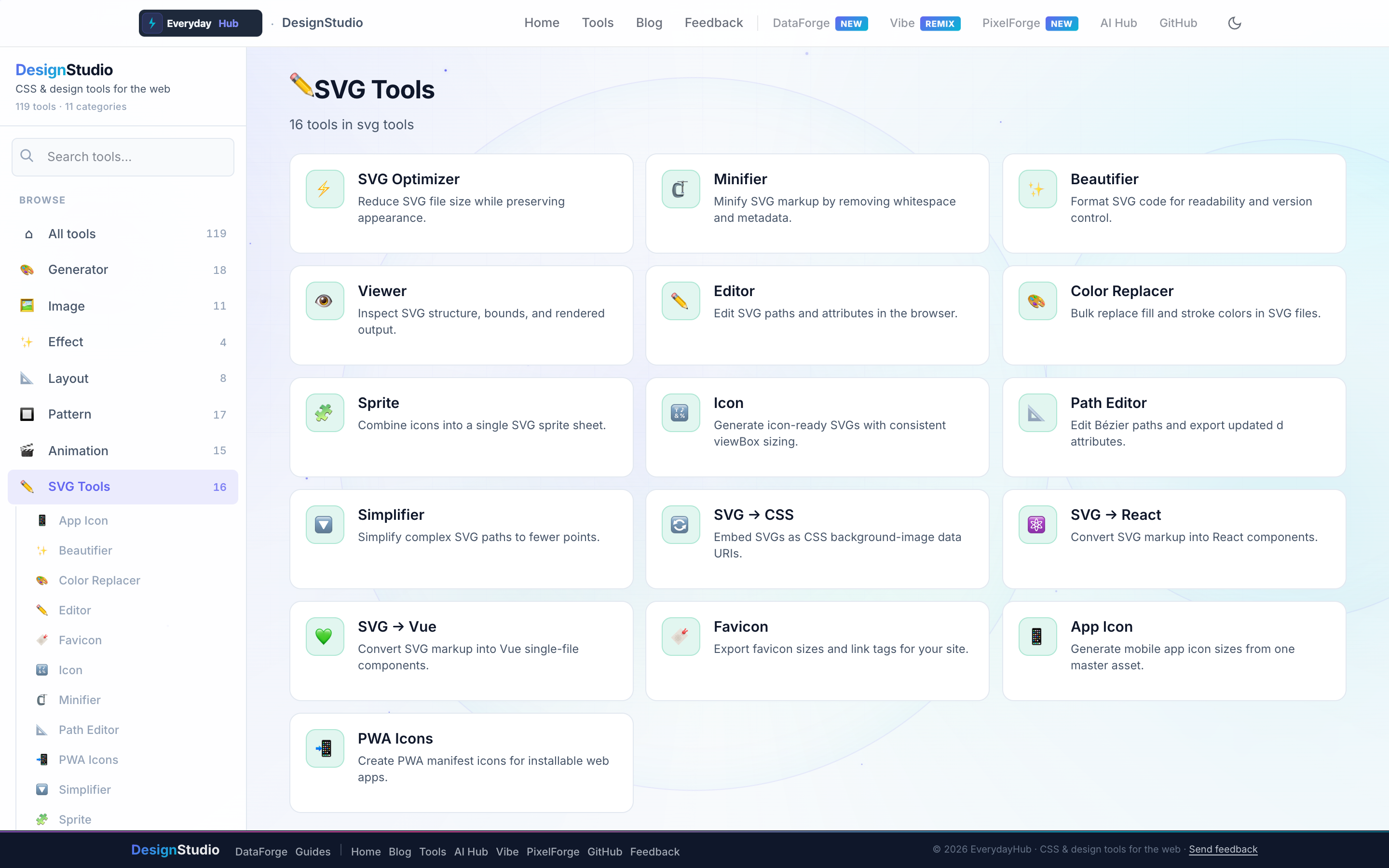
Sixteen SVG utilities cover the full asset lifecycle.
- SVG Optimizer, Minifier, Beautifier, Simplifier
- SVG Editor, Path Editor, Viewer, Color Replacer
- SVG → React, Vue, CSS Background converters
- Sprite Builder, Icon Generator, Favicon & PWA Icon sets
On-screen workflow
Paste SVG markup or upload a file, see file-size savings instantly, and export framework components with props intact. The sprite builder combines icons into a single symbol sheet with preview.
Enterprise data & analytics use cases
Build an icon set for DataForge toolbar actions (export, filter, visualize) and minify before bundling. Generate favicon and PWA icon packages for internal analytics apps. Convert vendor SVG logos to React components for embedded dashboard chrome — all without sending assets to cloud converters.
Privacy-first design work
Every DesignStudio tool runs client-side in your browser. Palettes, SVG markup, and exported images never upload to a server — the same privacy model as DataForge. No account, no tracking, no watermarks on exports.
Related guides
Open SVG Tools in DesignStudio
Open DesignStudio from EverydayHub — free, private, and ready in one click.
Open SVG Tools in DesignStudio