
Why pattern generators beat stock assets
Hero backgrounds, section dividers, and subtle textures define brand feel — but stock patterns repeat obviously and weigh down pages. Parametric generators output lightweight SVG or CSS with exact colors and spacing from your palette.
What pattern tools help you do
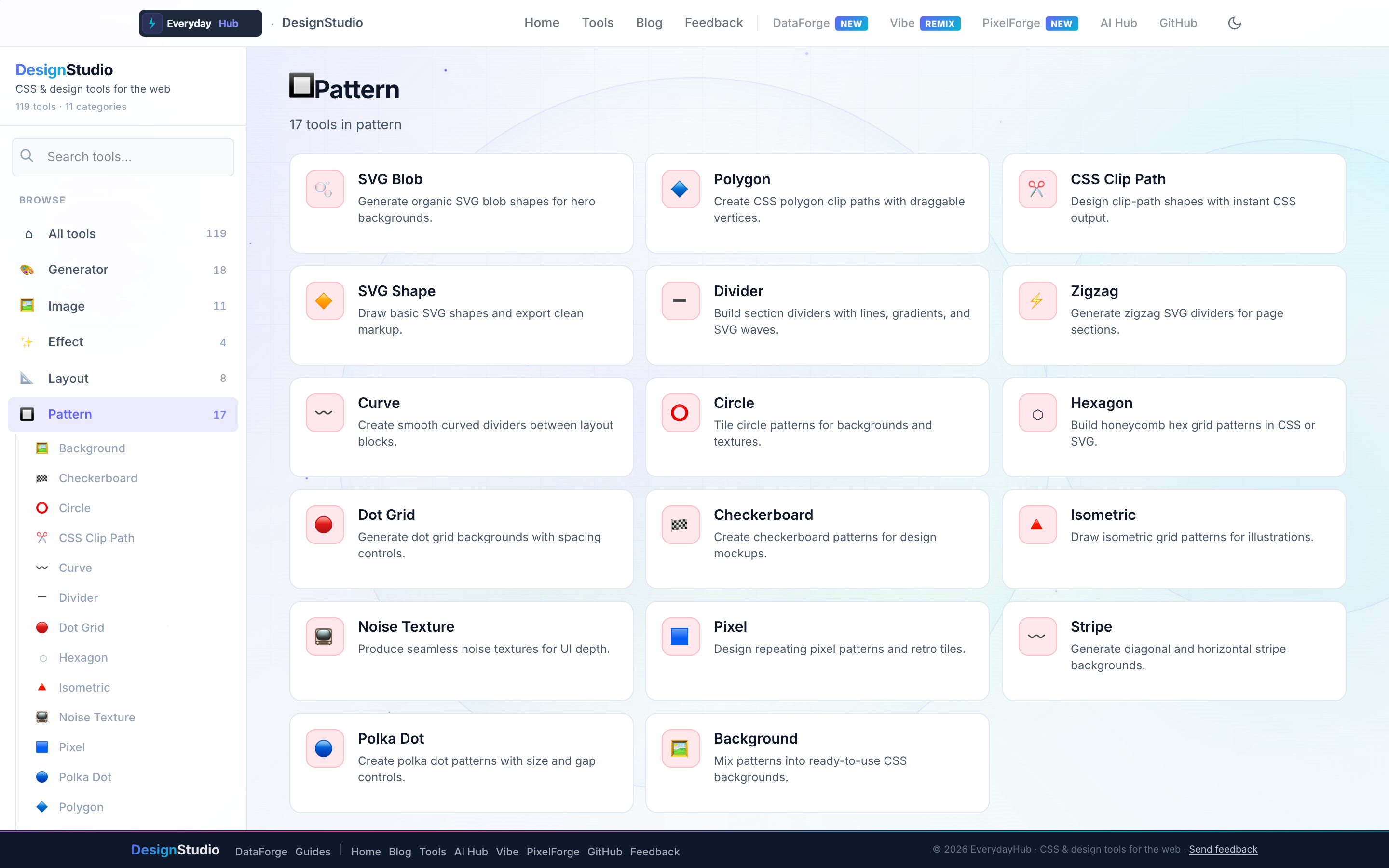
Seventeen pattern tools cover organic shapes, geometric tiles, and editorial dividers.
- SVG Blob, Polygon, Clip Path, SVG Shape
- Dot Grid, Stripe, Checkerboard, Hexagon, Polka Dot
- Divider, Zigzag, Curve — section separators
- Background Pattern mixer, Isometric & Pixel patterns
On-screen workflow
Adjust density, colors, and amplitude on a full-width preview. SVG outputs are optimized for inline use; CSS patterns tile seamlessly. Copy one snippet and paste into hero sections or PDF HTML exports.
Enterprise data & analytics use cases
Brand annual report microsites fed by DataForge CSV exports with custom dividers between chapters. Generate subtle dashboard backgrounds that do not compete with chart readability. Blob and grid patterns export as SVG for email-safe assets in stakeholder newsletters.
Privacy-first design work
Every DesignStudio tool runs client-side in your browser. Palettes, SVG markup, and exported images never upload to a server — the same privacy model as DataForge. No account, no tracking, no watermarks on exports.
Related guides
Open Pattern Tools in DesignStudio
Open DesignStudio from EverydayHub — free, private, and ready in one click.
Open Pattern Tools in DesignStudio