
Why measurement tools prevent UI drift
Dense data tables need tight rhythm — consistent spacing, readable type scales, and proportional layouts. Guessing rem values across teams leads to misaligned columns and cramped KPI rows. Calculators encode math correctly.
What measurement tools help you do
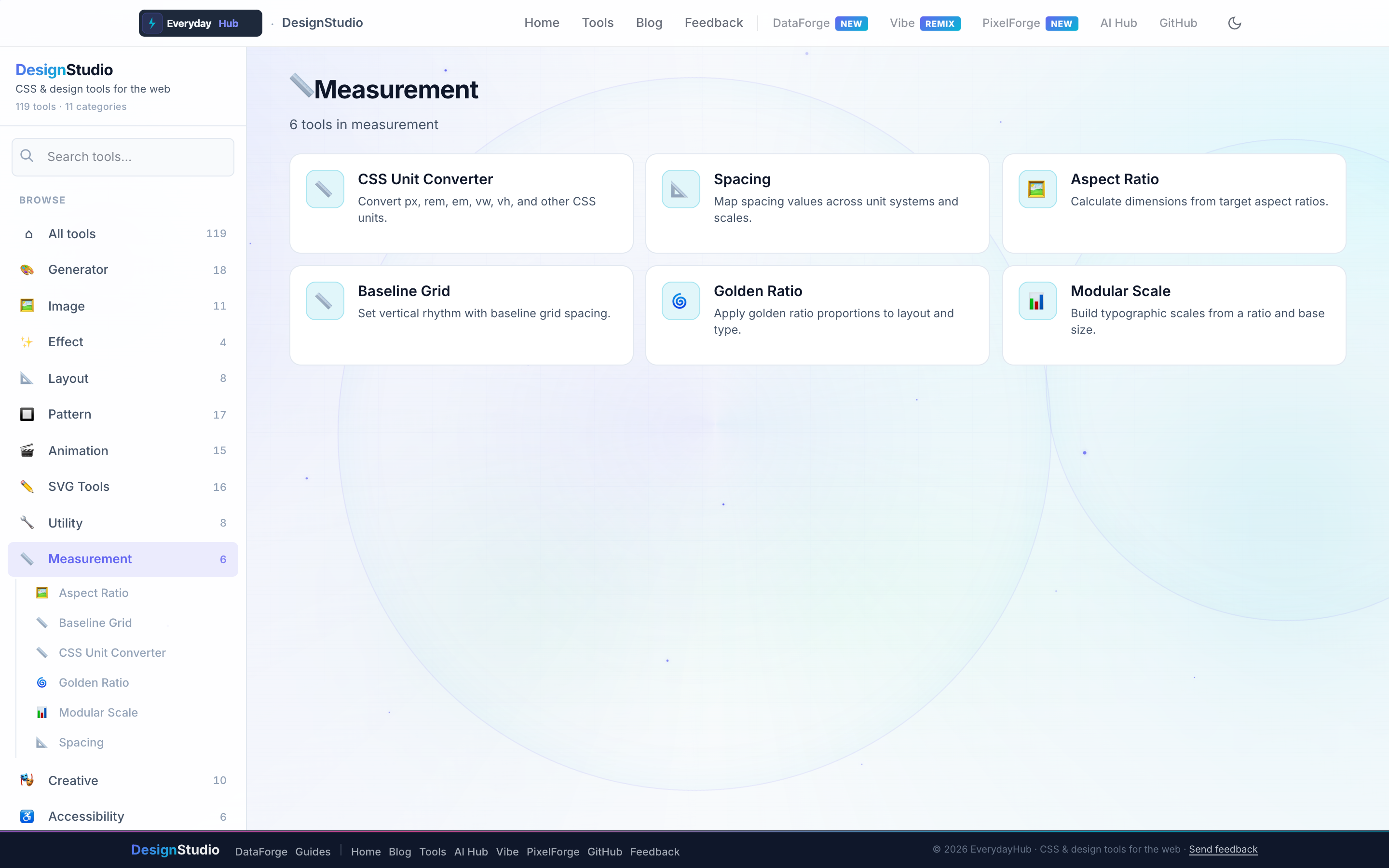
Six calculators cover units, spacing, and typographic proportion.
- CSS Unit Converter — px, rem, em, vw, %
- Spacing Converter & Baseline Grid Generator
- Aspect Ratio Calculator
- Golden Ratio & Modular Scale calculators
On-screen workflow
Enter a base font size and modular ratio to see a full type ramp. Baseline grid overlays show how table row heights align to vertical rhythm. Unit converter handles batch translations for legacy px stylesheets.
Enterprise data & analytics use cases
Set table row height tokens derived from modular scale steps so DataForge grids and custom React tables match. Convert legacy px dashboards to rem for accessibility compliance audits. Golden-ratio sidebar widths balance filter panels against main chart areas in executive dashboards.
Privacy-first design work
Every DesignStudio tool runs client-side in your browser. Palettes, SVG markup, and exported images never upload to a server — the same privacy model as DataForge. No account, no tracking, no watermarks on exports.
Related guides
Open Measurement Tools in DesignStudio
Open DesignStudio from EverydayHub — free, private, and ready in one click.
Open Measurement Tools in DesignStudio