
Why CSS image tools belong in your stack
Modern UIs rely on CSS for thumbnails, avatars, hero media, and icon treatments — not just raster editors. Tweaking filter stacks, crop behavior, and corner radii in DevTools is tedious. Visual builders produce correct syntax the first time.
What image tools help you do
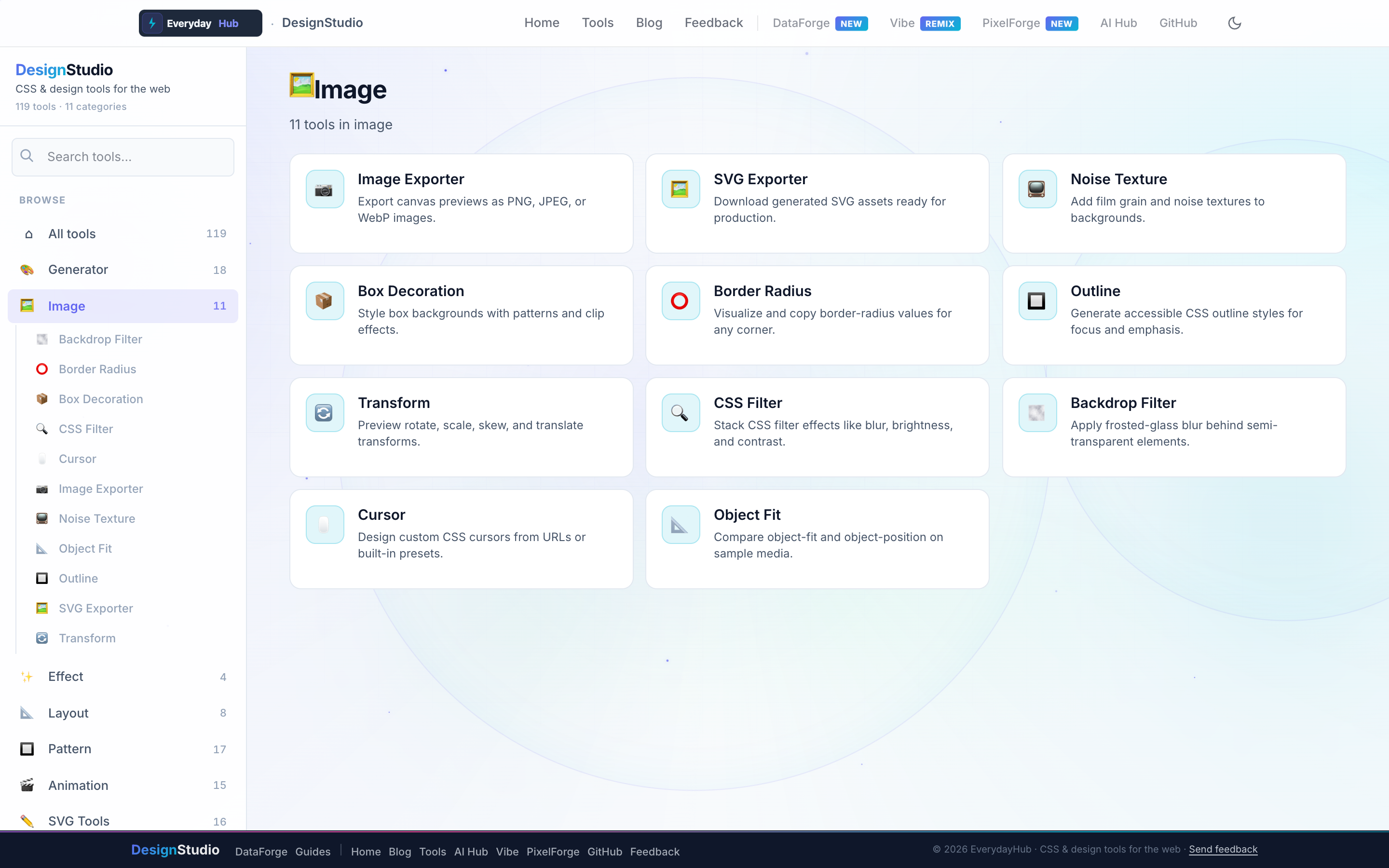
The Image category covers styling and exporting visual elements without Photoshop or cloud uploads.
- Image Exporter & SVG Exporter — PNG, JPEG, WebP, SVG download
- CSS Filter & Backdrop Filter — blur, brightness, contrast stacks
- Border Radius, Outline, Transform, Object Fit, Cursor
- Box Decoration & Noise Texture for depth
On-screen workflow
Each image tool shows a live element preview with before/after states. Drag handles on border-radius tools, stack filters with instant feedback, and export the preview frame when you need a raster asset for slides or documentation.
Enterprise data & analytics use cases
Style data table thumbnails and profile avatars in user-admin screens with consistent object-fit and radius tokens. Export chart legend icons or KPI badge graphics for PowerPoint decks built from DataForge CSV exports. Because processing stays local, product screenshots containing sample data never upload to third-party image servers.
Privacy-first design work
Every DesignStudio tool runs client-side in your browser. Palettes, SVG markup, and exported images never upload to a server — the same privacy model as DataForge. No account, no tracking, no watermarks on exports.
Related guides
Open Image Tools in DesignStudio
Open DesignStudio from EverydayHub — free, private, and ready in one click.
Open Image Tools in DesignStudio