
Why visual effects tools save design time
Glass panels, layered shadows, and tactile depth signals separate polished enterprise software from flat prototypes. Getting blur, border, and shadow values to work across browsers requires experimentation — effect generators encode best practices into adjustable presets.
What effect tools help you do
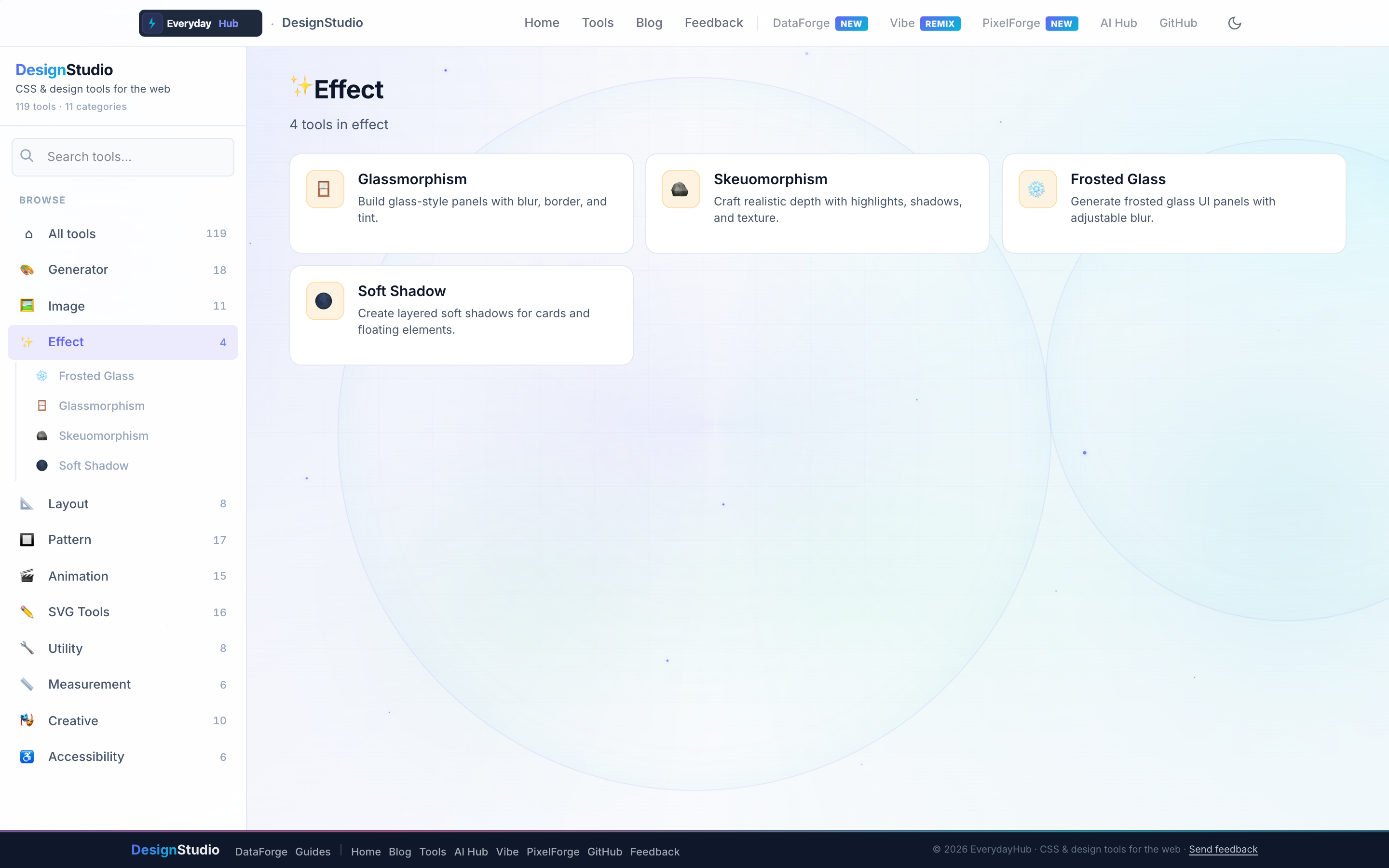
Four focused tools cover the most requested modern UI treatments.
- Glassmorphism — blur, transparency, border, and tint
- Frosted Glass — adjustable backdrop panels
- Soft Shadow — layered, realistic card shadows
- Skeuomorphism — highlights, texture, and depth cues
On-screen workflow
Tune blur radius, background alpha, and shadow spread with sliders while the preview card floats over a sample background. Copy the full CSS block — including vendor-prefixed backdrop-filter when needed — directly into your stylesheet.
Enterprise data & analytics use cases
Apply glass-style filter panels over map and chart dashboards without a dedicated UI designer. Use consistent soft shadows on DataForge pivot tables and modal drill-downs so dense numeric UIs remain scannable. Effect CSS exports into design-system repos alongside DataForge report templates.
Privacy-first design work
Every DesignStudio tool runs client-side in your browser. Palettes, SVG markup, and exported images never upload to a server — the same privacy model as DataForge. No account, no tracking, no watermarks on exports.
Related guides
Open Effects in DesignStudio
Open DesignStudio from EverydayHub — free, private, and ready in one click.
Open Effects in DesignStudio