
Why creative generators speed up prototypes
Before real customer data or photography is available, product teams need believable placeholders — user avatars, hero art, presentation backgrounds. Creative generators produce unique assets on demand without stock photo licenses.
What creative tools help you do
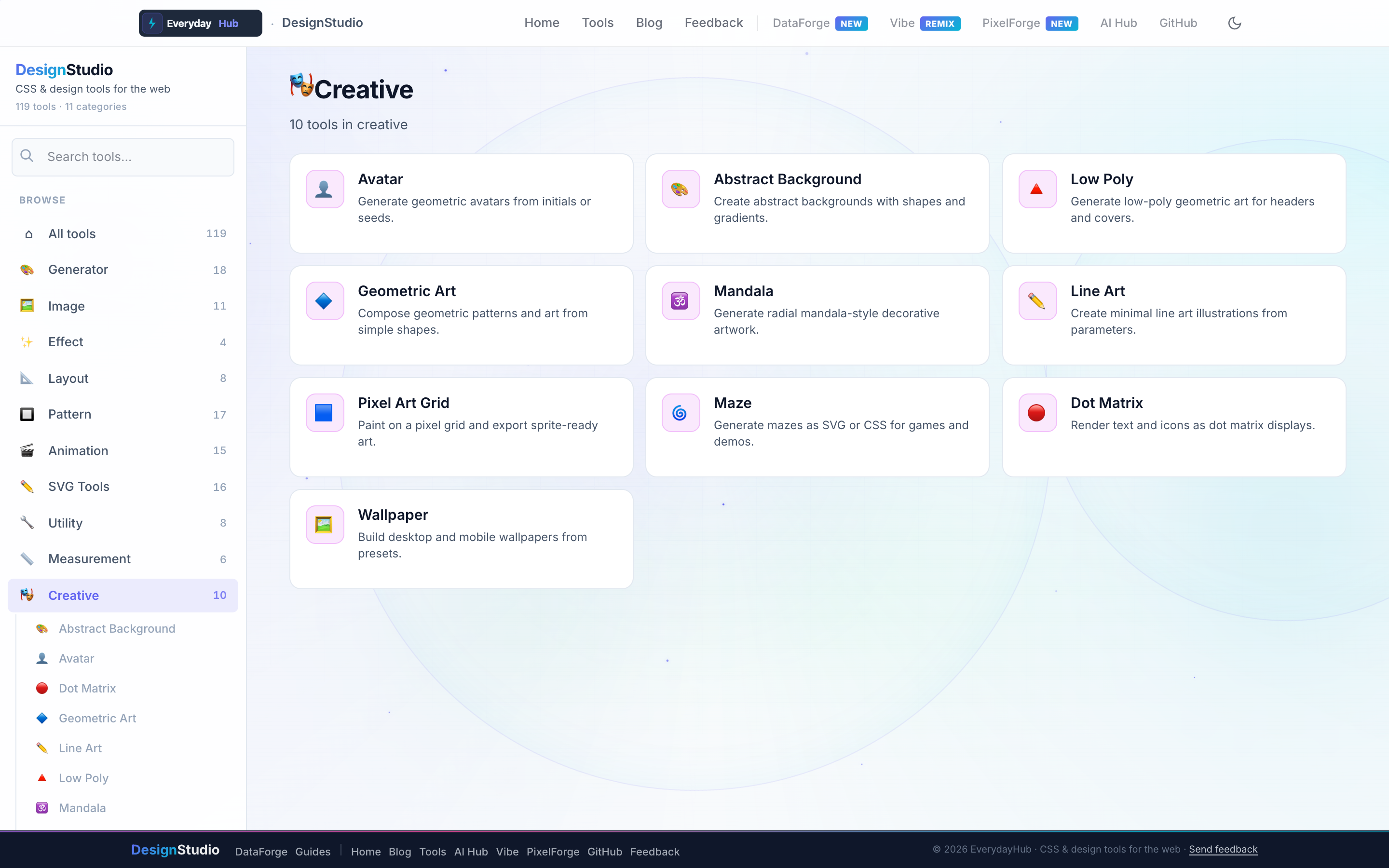
Ten generative art tools produce exportable PNG and SVG artwork.
- Avatar Generator — initials and geometric profiles
- Abstract Background, Low Poly, Geometric Art, Mandala
- Line Art, Pixel Art Grid, Dot Matrix, Maze Generator
- Wallpaper Generator — multi-resolution export
On-screen workflow
Seed random styles with a click, lock palettes from Generator tools, and export high-resolution PNG or SVG. Avatars sync with brand colors when you paste hex values from the palette tools.
Enterprise data & analytics use cases
Populate mock user directories in DataForge-generated CSV fixtures with matching avatar colors. Create presentation backdrops for quarterly business reviews built from exported spreadsheets. Unique wallpapers differentiate staging vs production analytics environments for demos.
Privacy-first design work
Every DesignStudio tool runs client-side in your browser. Palettes, SVG markup, and exported images never upload to a server — the same privacy model as DataForge. No account, no tracking, no watermarks on exports.
Related guides
Open Creative Tools in DesignStudio
Open DesignStudio from EverydayHub — free, private, and ready in one click.
Open Creative Tools in DesignStudio