
Why motion tools matter for data products
Enterprise apps load large datasets asynchronously. Without intentional loading and transition states, users assume the UI froze. CSS-only spinners, skeletons, and micro-interactions communicate progress without JavaScript animation libraries.
What animation tools help you do
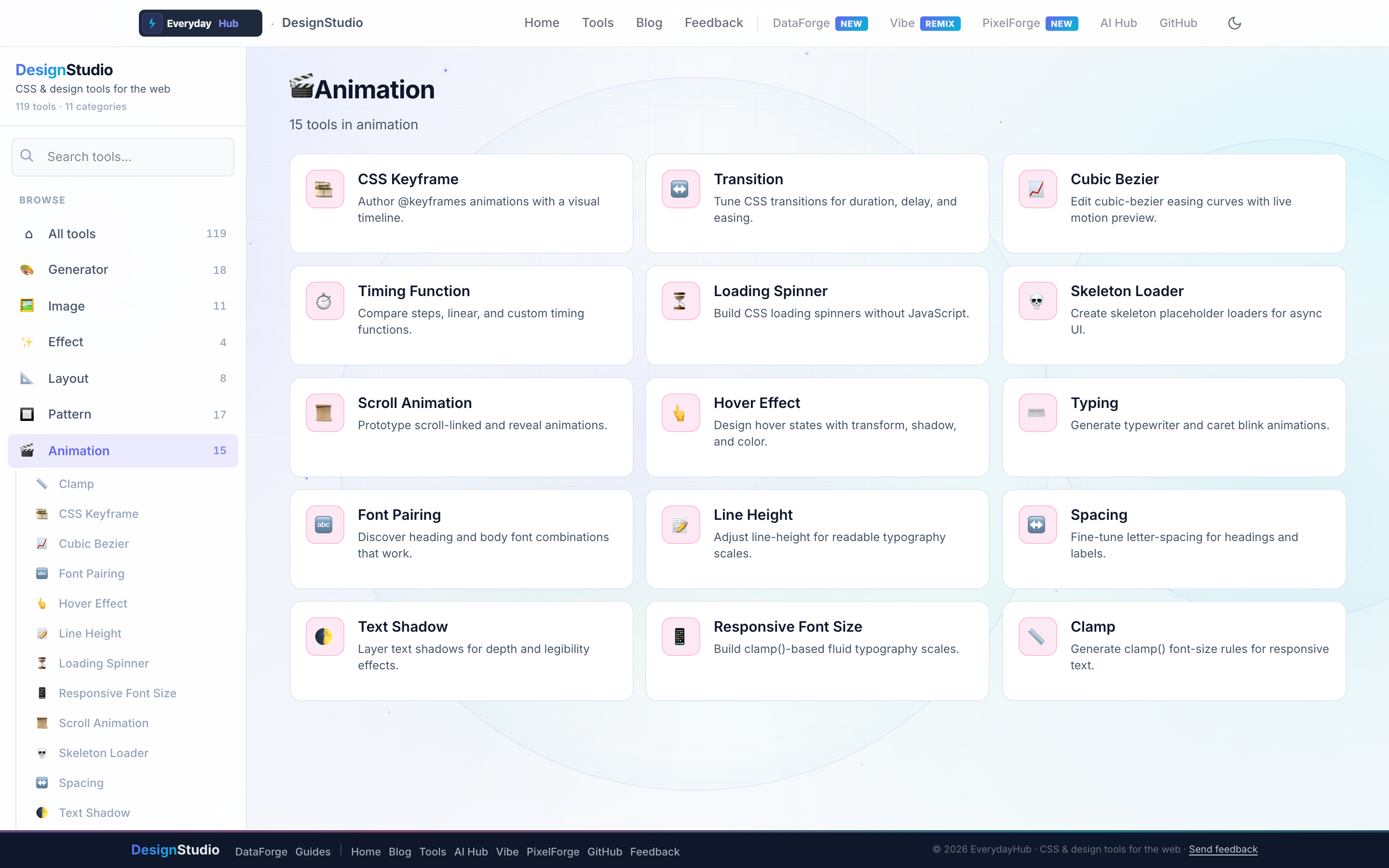
Fifteen tools span motion, typography tuning, and easing curves.
- CSS Keyframe & Transition generators
- Cubic Bezier & Timing Function editors
- Loading Spinner & Skeleton Loader builders
- Scroll Animation, Hover Effect, Typing Animation
- Responsive Font, Line Height, Letter Spacing, Text Shadow
On-screen workflow
Scrub keyframe timelines, preview easing curves with a bouncing ball, and loop spinner previews. Every tool outputs self-contained @keyframes blocks or transition shorthand you can drop into component CSS.
Enterprise data & analytics use cases
Ship skeleton loaders that match DataForge table layouts while queries run. Animate KPI number reveals after DataForge aggregation completes. Standardize 200ms ease-out transitions across filter drawers in analytics portals using exported cubic-bezier values.
Privacy-first design work
Every DesignStudio tool runs client-side in your browser. Palettes, SVG markup, and exported images never upload to a server — the same privacy model as DataForge. No account, no tracking, no watermarks on exports.
Related guides
Open Animation Tools in DesignStudio
Open DesignStudio from EverydayHub — free, private, and ready in one click.
Open Animation Tools in DesignStudio